Saving your Will as a Draft
How to Save your Will as a Draft
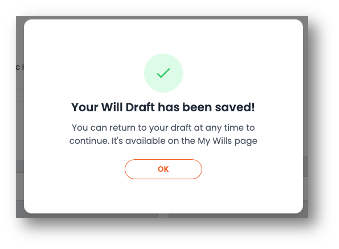
Creating a will in adeus takes most people 10 - 20 minutes, and can usually be completed in one sitting. However, sometimes you need to take a break and come back later to complete your will. Perhaps there's an Amazon delivery at the door, or you might need to think deeper about what to include, or not have all the information you need in front of you. No problem, you can save you will as a draft and come back to it at any time to continue.
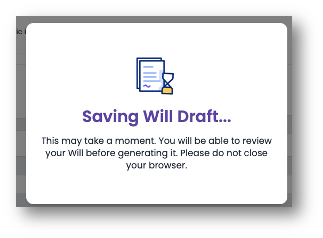
Save your Will as a Draft
Follow these simple steps to save your progress so you can return to complete your will later:
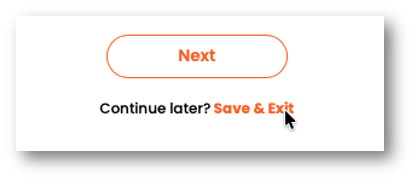
Step 1: At the bottom of the will questionnaire, below the Next button, click the 'Save & Exit' text.
Continue a Draft
When you're ready to complete your will, simply follow these steps to continue your saved draft.
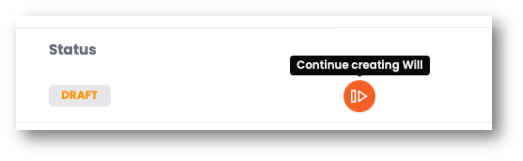
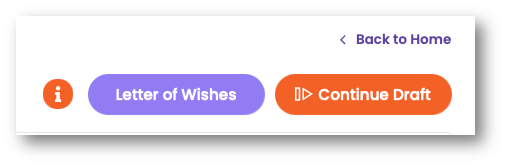
Step 1: Go to your 'My Wills' page and click either the Continue Draft button or icon