
how to upgrade your subscription
If you are a Premium Digital Vault subscriber, and you want to include an adeus Digital Will, you can simply change to the Legacy plan at any time.
Don't worry, we calculate the value remaining in your existing subscription, and put that amount towards the cost of your upgrade, so you can upgrade at any time and know that you're not out of pocket.
Upgrading your Subscription
Step 1: Go ahead and create your new will follow the instructions in the Digital Wills section of adeus.
Step 2: Once you have completed your Will, click Generate Will.
Step 3: Click Subscribe
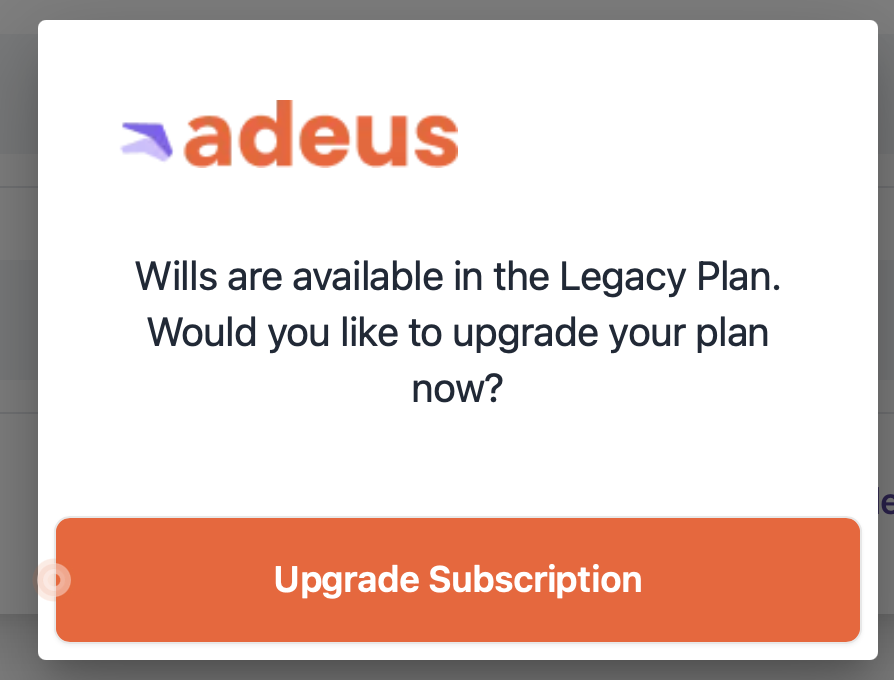
Step 4: you will be asked if you want to upgrade your Subscription, click Upgrade Subscription
Step 5: Just follow the on-screen instructions to complete your upgrade.
Important: The value remaining on your current subscription will be auto-calculated, and deducted from the Legacy plan amount. So you only pay for the upgrade amount, not the full standard subscription amount.
Your card payment will be processed and approved. Just follow the on screen instructions.
You’ll now be directed back to the My Wills page to review your newly created Will. Your Will will be reviewed by our team, and we'll send you an email when it's ready to be downloaded, printed and signed.
For your security: We use a secure third-party subscription (Chargebee) and payment platform (Mollie), so you can be sure your information is secure and protected.