
how do I use a discount code or coupon?
If you have a discount coupon or code, simply follow these simple steps:
1. Click the Subscribe button
2. Select 'Apply Coupon'
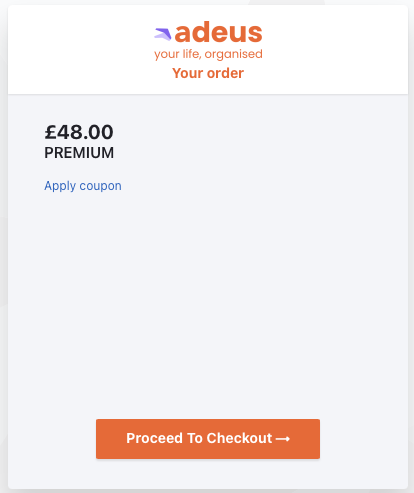
3. Enter the dicount/coupon code
4. Click the arrow button to submit; the discount will now be automatically applied
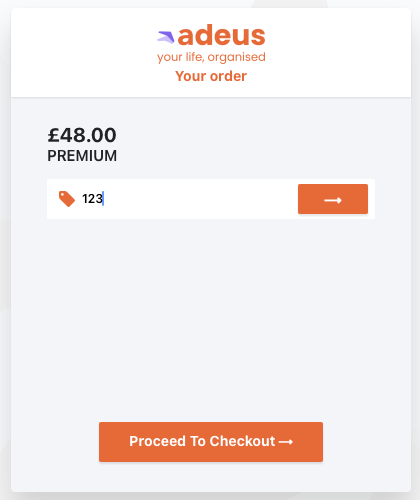
4. Click Proceed to Checkout
5. Enter your name and billing address, then click Next
6. Enter your credit/debit card details, then click Next.
7. Review the details, click Edit if you need to make any changes, then click Pay & subscribe
Your card payment will be processed and approved. Just follow the on screen instructions.
Important note: As part of our requirements to check the identity of our customers, we require verification through an approved debit or credit card. The payment platform will check your credit/debit card with a £1 test transaction, this will be refunded if you are using a full discount code through one of our partners.